
UI/UX Design and Development Services
User experience and User
The new era of design has come! You might think of some interior or clothes when hearing the word ‘design’, but today most of the things this word applies to are located in the virtual space. Design defines the success of most software products. And software development discovers new ways to use the design for various products. We talk about design for websites and applications!
There is no great app without stylish elements and usability. The effectiveness of the application is measured by the optimum combination of functionality and attractiveness. Visual communication with your customers must be simple, intuitive and engaging.
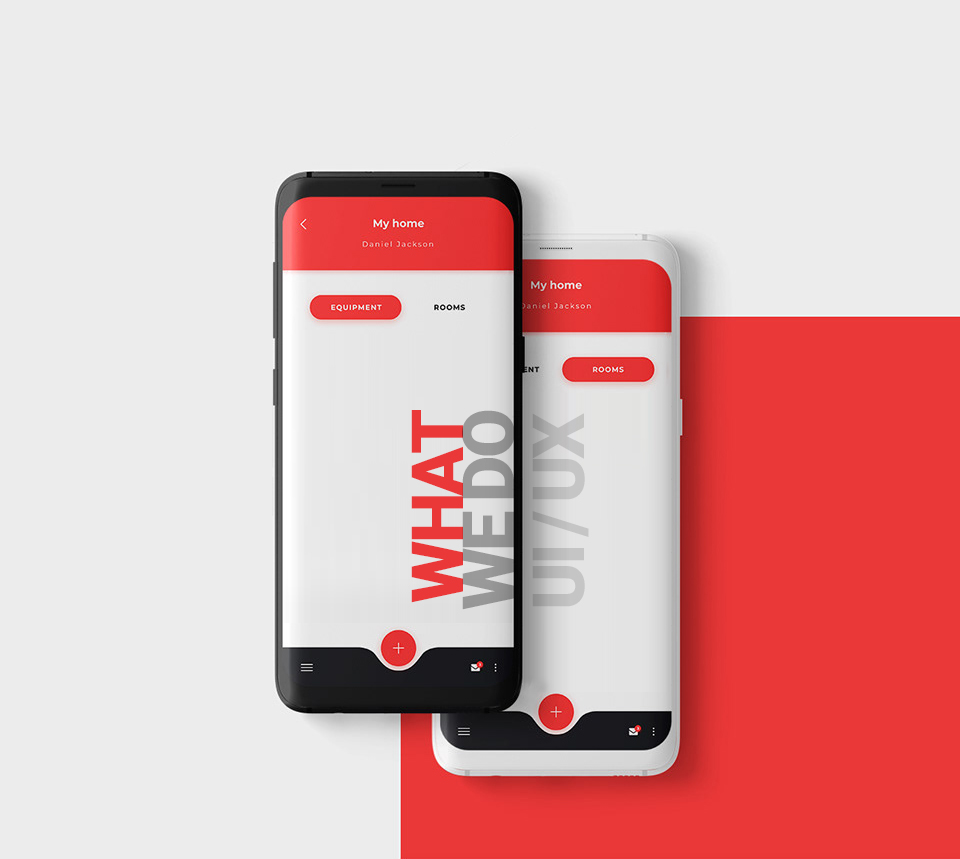
The role of UI/UX design
Designing applications and websites pose special challenges:
• facilitating intricate tasks and workflows,
• enabling users to comprehend and manage complex data,
• accommodating a rich variety of user roles, needs, and processes. But that worth it! Because an effective design and implementation of applications can have profound, positive implications for productivity, efficiency, accuracy, and satisfaction in a huge range of environments – from entertainment to healthcare.
You could have heard about UI or UX design before but never actually had a chance to get what, where and why it is used for. And no, UI and UX are not the same things. Read about principle differences between UI and UX before you went further. UX is the overall experience a user has with the product, and UI is the things the user will actually interact with and see.
Crafting UI/UX design with Reyan
Reyan Technologies has a solid experience in custom UI/UX and web design. No matter the size of a company or the field it works in, Reyan Technologies designers are skilled in designing web and mobile applications for managing various business processes in logistics, healthcare, e-commerce, education, and other sectors. Our unique design solutions meet the requirements of corporations, enterprises, small businesses, startups, and individual needs.
How it all starts? Firstly, we will have a Discovery Session with you to find out as much as possible about your project. The main goal of this session is to gather key project information so we could gain a high-level understanding of the project. Then we will create a plan according to which we’ll work on your unique UI/UX/web/mobile design solutions and agree on every step of it with you.
Basically, we will provide you with a complete line of services when it comes to creating a web design or application.
UI/UX design process steps by Reyan:
1. The process will begin by creating the wireframes that will be submitted to the client for the approval.
2. After the basic elements are created and the client’s opinion is taken into account, we will include all the necessary elements that are specified in the requirements.
3. The next stage will be followed by Ruby on Rails UI Prototyping that allows us to test the product intuitively and find for any bugs that might affect the user experience.
4. Finally, we will make sure that the mockups reflect your company, your product, and services that you are offering in the best way.
The additional stages include Ruby on Rails UX prototyping with a lot of elements such as the content, the structure, hierarchy, functionality, behavior, and others. We may also add some elements based on your needs such as specialized ‘Lorem Ipsum Text’ so you will have an idea of what your website will look like once you fill it with your content.
UX design principles and full UX stack
The goals on each level of the UX design pyramid could be reached through following the main UX design principles:
1. Hierarchy
Hierarchy is one of the designers’ best tools to help users move through a product easily. It includes:
Information Architecture (the way how content is organized across the app or site) and a
Visual Hierarchy (that help users navigate more easily within a section or a page).
2. Consistency
In most cases, it could be reached by using a formal set of guidelines for how to design products for a particular device or format.
3. Confirmation
Require confirmation for any important or irreversible action to prevent errors user can accidentally make.
4. User Control
Undo’, ‘back’, ‘search’ buttons, as well as keyboard shortcuts, are a great way to give a user the control over a website or an application.
5. Accessibility
It’s crucial for the product to easy-to-use by as many people as possible. UX design should remove the obstacles for people when they use the product, whether those obstacles are temporary or more permanent. UX design balances business, people and technology. While it is true that a product cannot succeed without a healthy business, a business cannot succeed without a happy customer— and it is the UX Designer’s job to make the customer happy.
Industries Using UI/UX Services


Our
Approach to UI/UX Services
We Build Ideas that People Use
Business analysis and consulting
Our UI/UX services delegate consulting guidance and an in depth business driven analysis and provide you’re the results which help in key decision making.
Consumer research
A deep driven customer research is done to understand better about the target audience.
Prototyping and user testing
We consider and value the feedbacks generated from user testing and implement the suggestions accordingly
User experience development
We value user experience at all stages of product development and deployment by implementing high end qualified services.
Haven’t found what you like? feel free to contact
Please reach us at Info@reyantech.co.uk or fill up the form.
